
How it works
A travel eSIM is a data plan you download instead of a plastic SIM card. Four steps, about five minutes, done at home before you fly.
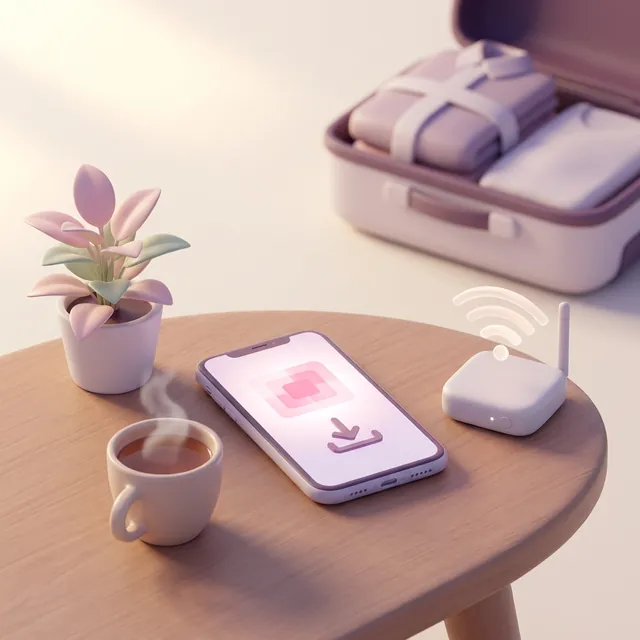 1
Install at home
Check your phone supports eSIM, pick 7, 15 or 30 days, then install it with one tap at home on Wi-Fi. Your home SIM stays put.
 2
Switch on when you land
Set the eSIM as your data line and turn on data roaming for it. Keep roaming off on your home SIM.
 3
Online all trip
Unlimited data for maps, messages and bookings, with the fair-use speed limit written on every plan.
Step by step
What you'll need
- A phone that supports eSIM and isn't locked to your home carrier.
- Wi-Fi at home to install the eSIM.
- About five minutes, a day or two before you fly.
Questions about how it works
Do I need to take my home SIM out?
No. Your home SIM stays in the phone for calls and texts. The eSIM sits alongside it and handles data while you're away.
Will I be charged roaming by my home carrier?
Not if you turn off data roaming on your home line before you land. Calls and texts to that number may still be charged at your carrier's international rates, so check your plan.
Can I use the eSIM as a hotspot for my laptop or my kids' tablets?
On plans that include hotspot, yes. Each plan says whether hotspot is included.
What happens if I run out of data?
You can top up or keep going on Wi-Fi. How top-ups work depends on the plan, and each plan will say so before you buy.